Screens
Nine screens from a Tuesday evening in May. A Tornado Warning is over Norman, Oklahoma, and the person holding the phone is inside it. The warnings are made up; the maps, the tide and the buoy camera are real.
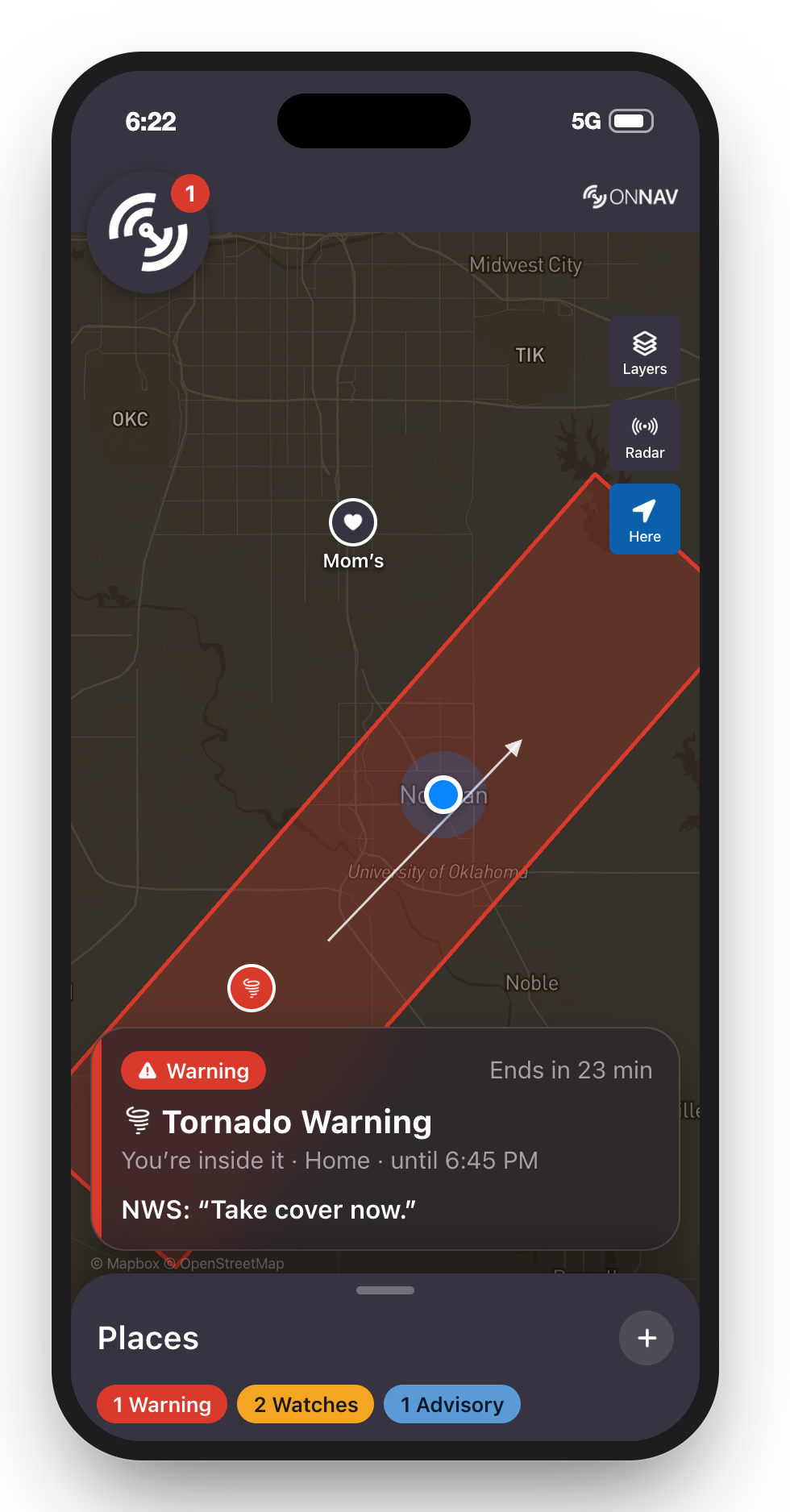
Where you are
The map first, as in MarNav. A Tornado Warning is over Norman, drawn as NWS drew it, and you’re inside it. The banner says what, how long, and what NWS says to do.
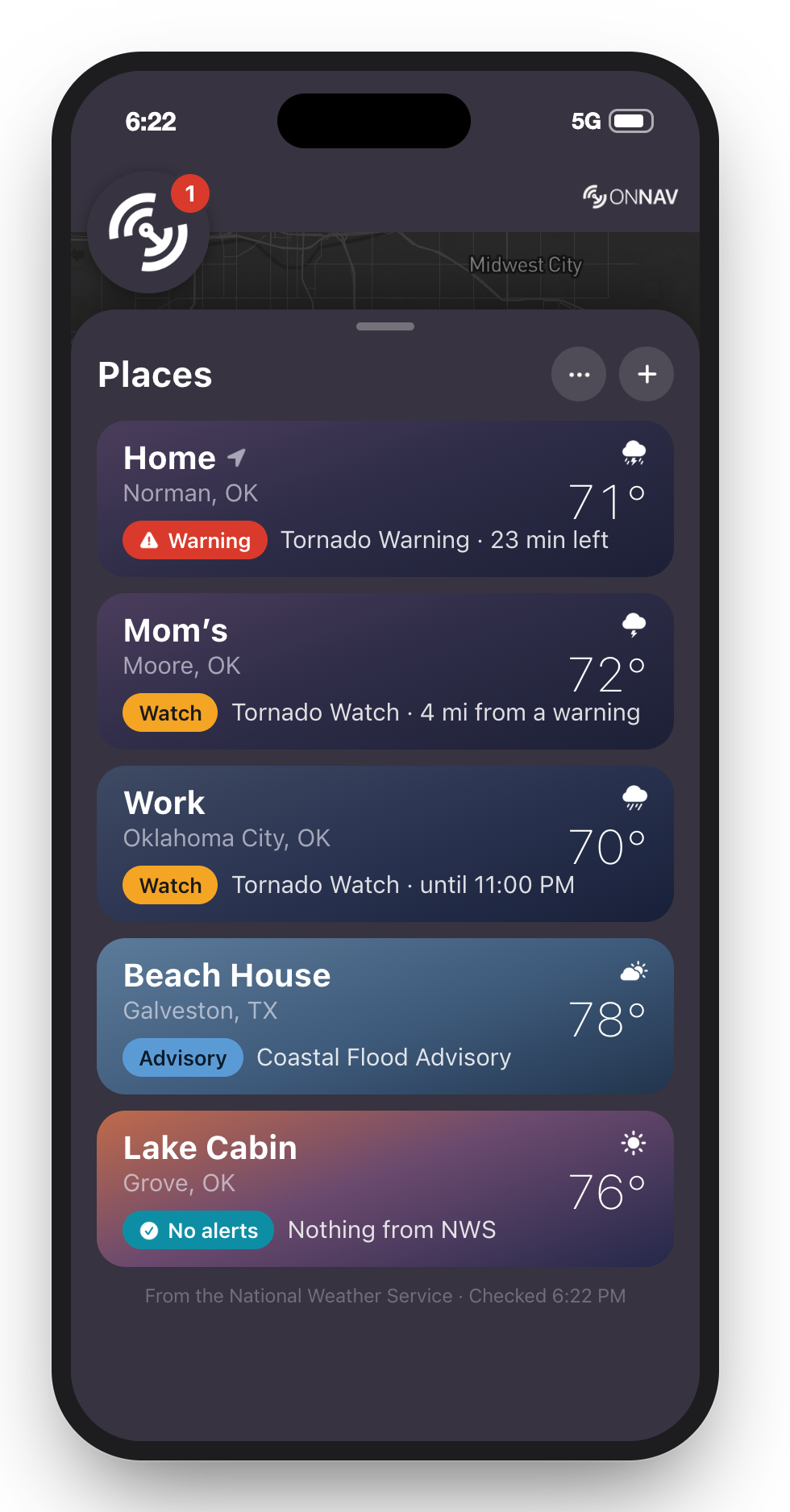
Places
Every place you care about, each in its own sky, with the most serious thing NWS says about it. Mom’s is under the watch but 4 mi from the warning, and Storm says so instead of ringing.
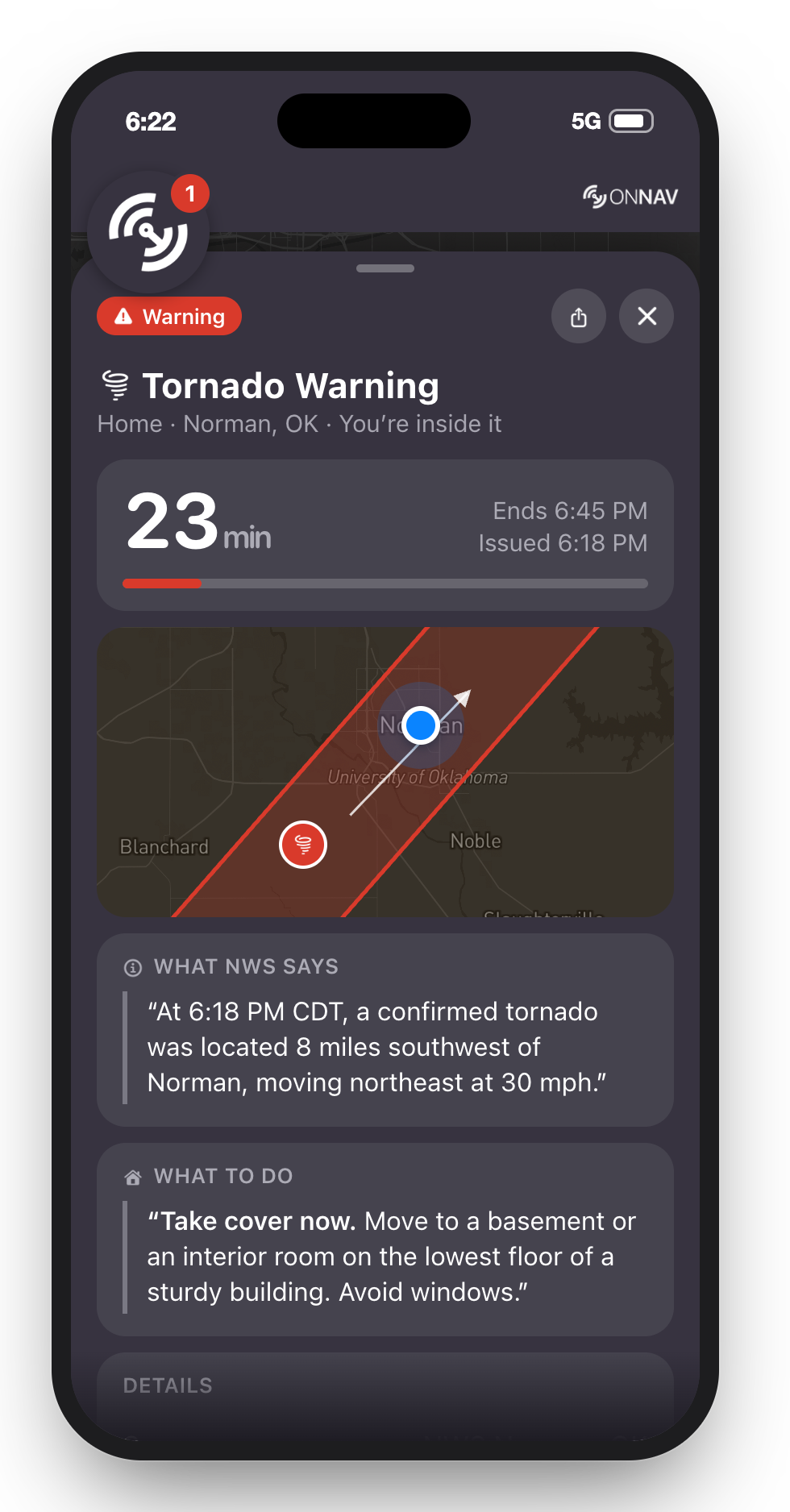
A warning
One sheet holds the warning: the minutes left, you and the storm on a map, then NWS’s own words, then what to do.
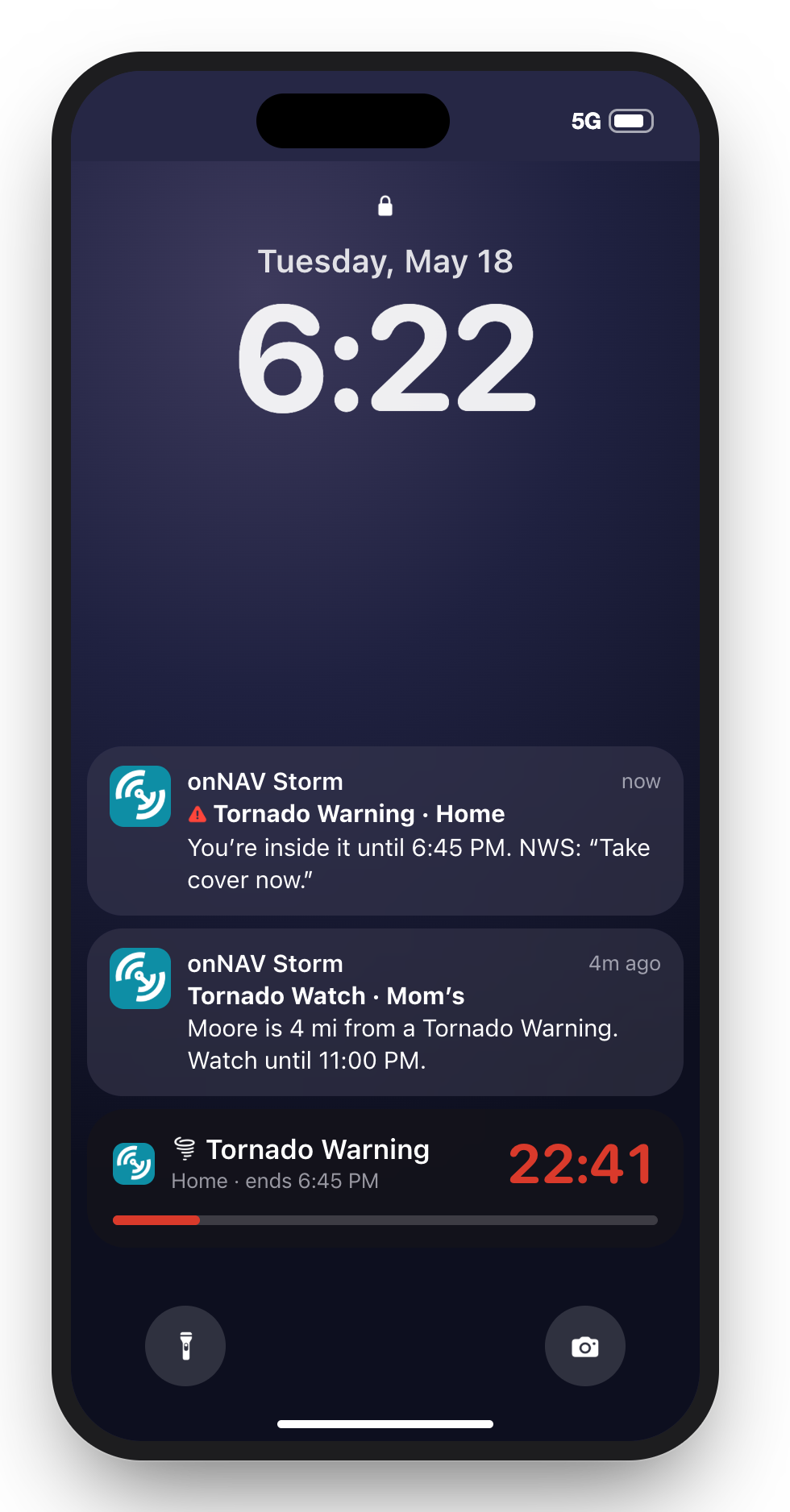
Lock Screen
A warning where you are rings on silent and starts a countdown on the Lock Screen. A place you aren’t at gets a quieter alert with how far it is.
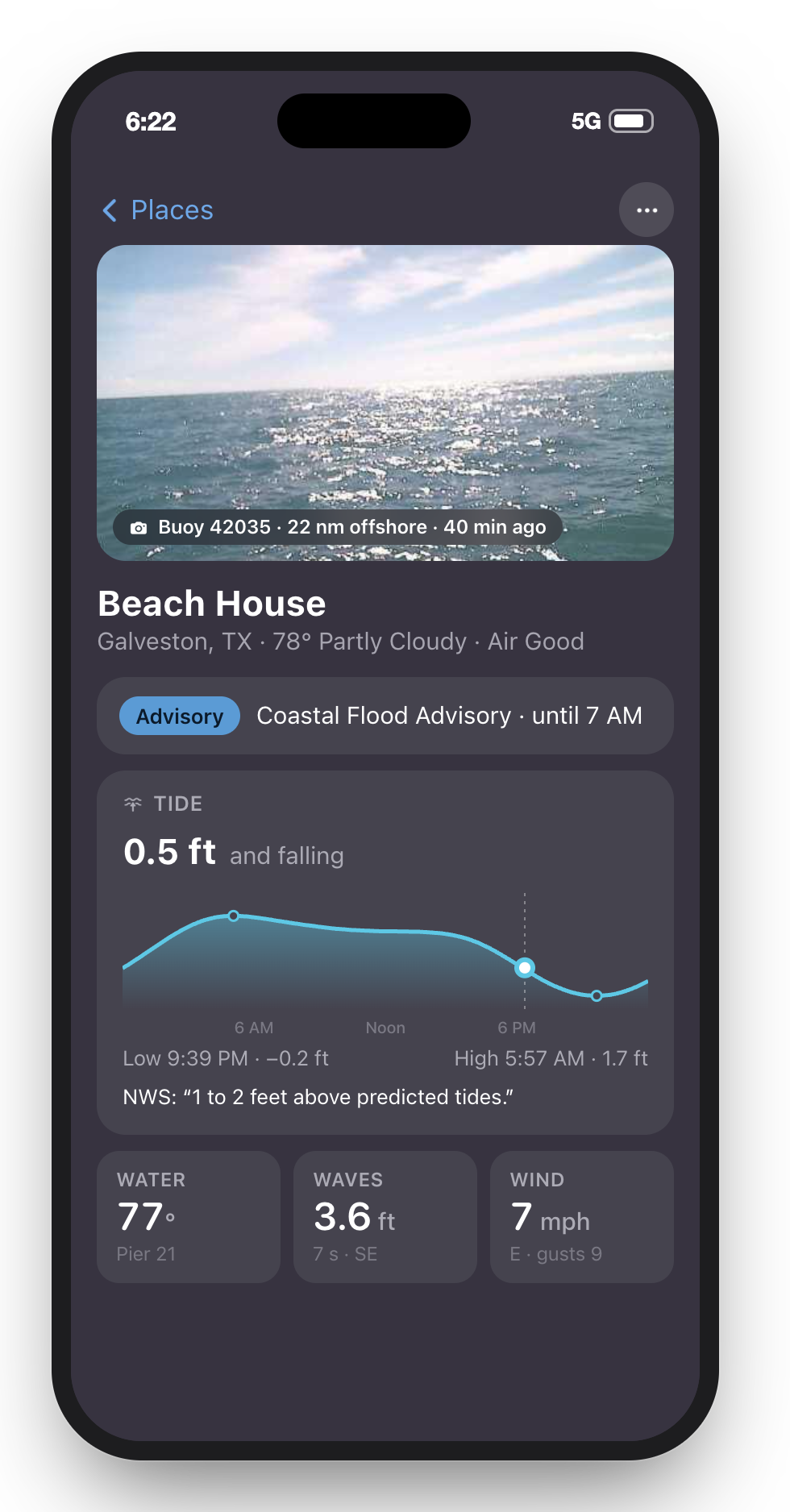
The coastPRO
A coastal place adds what the sea is doing: the nearest buoy’s live camera, the day’s tide, the water, waves and wind. The NWS advisory sits on top.
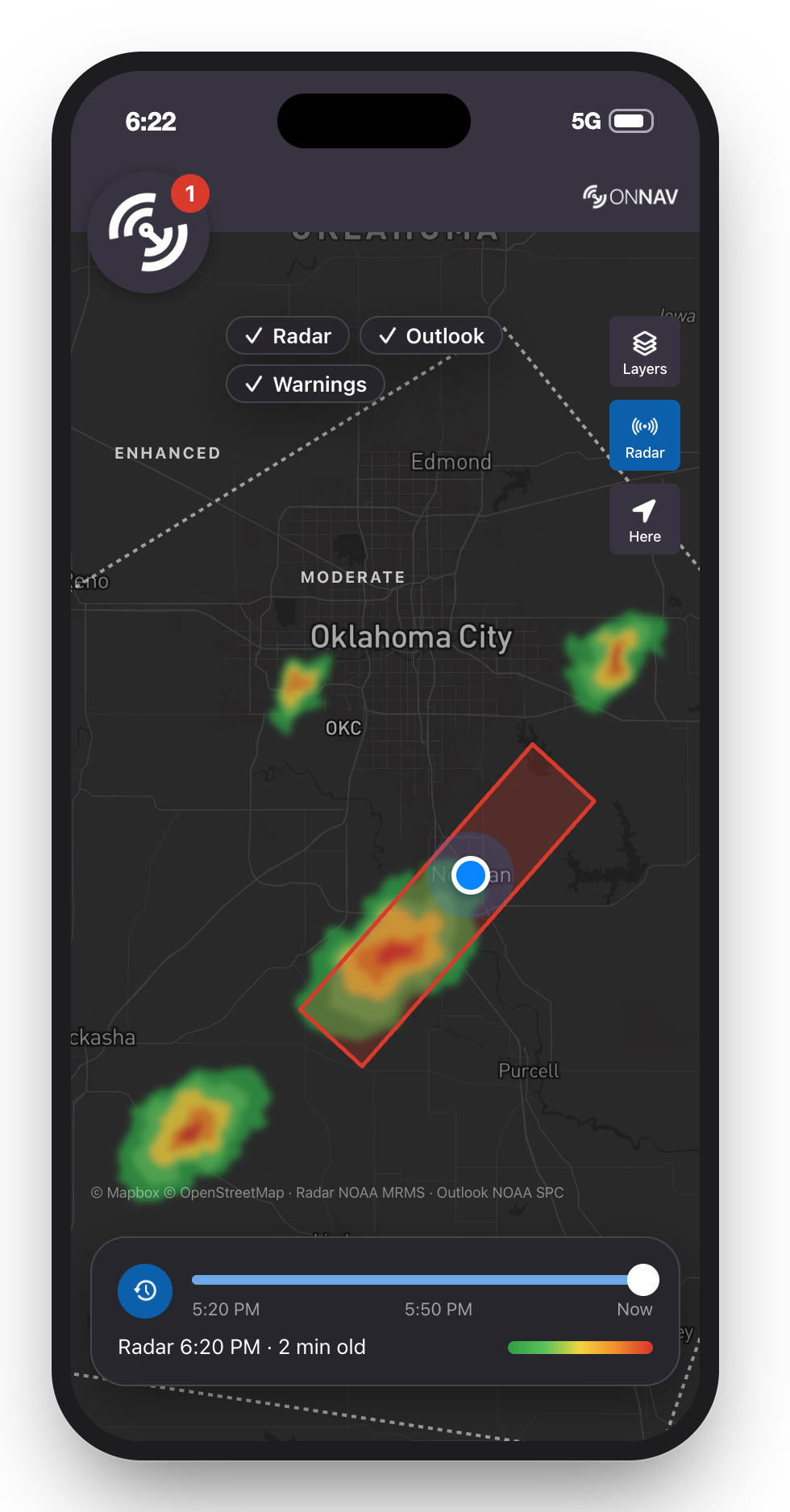
Radar and outlookPRO
The last hour of radar from NOAA, and today’s Storm Prediction Center outlook drawn as lines so warnings keep their color. The storms here are drawn for the mockup.
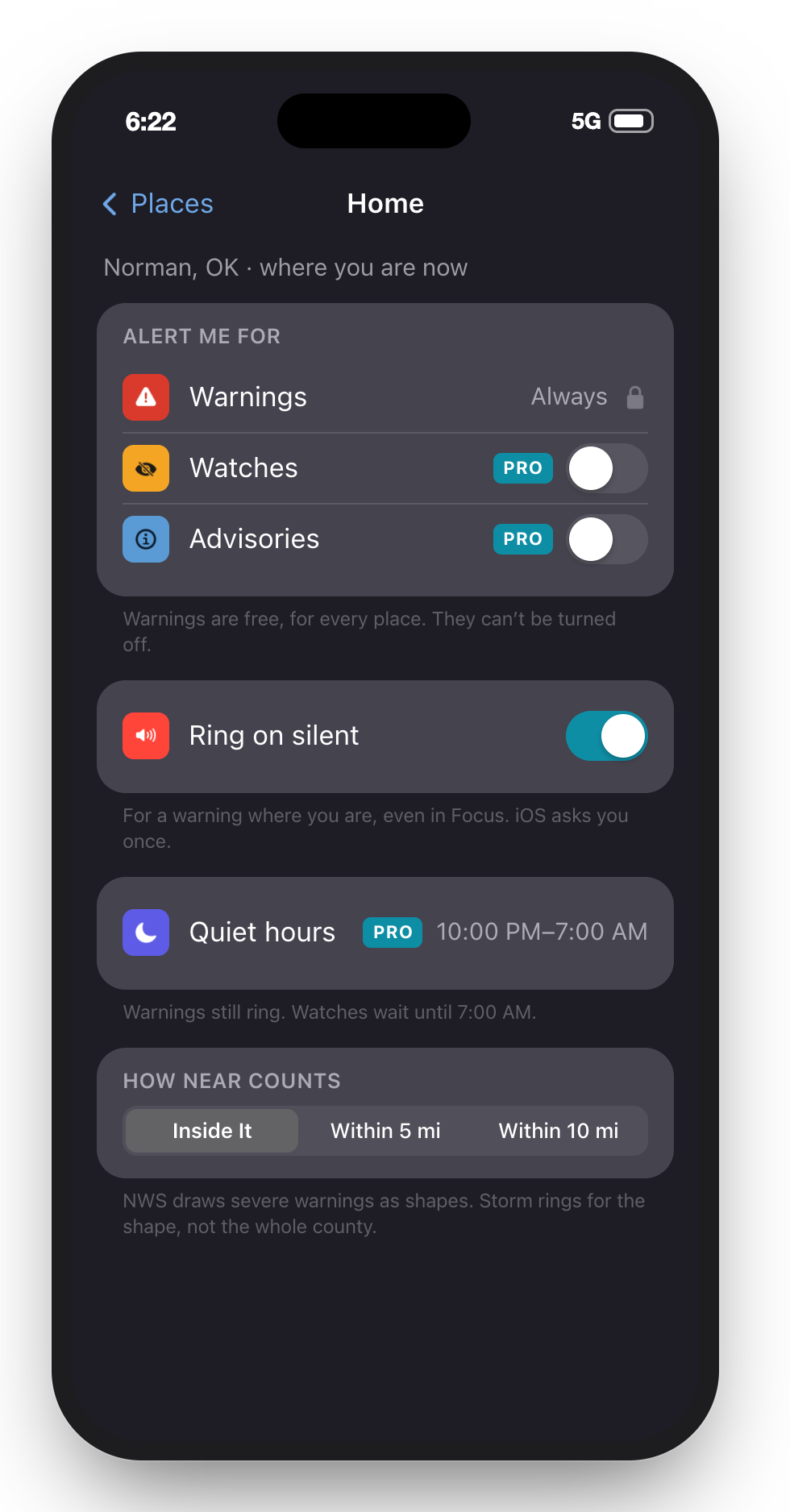
A place’s alerts
Warnings always ring and are always free. Pro adds watches, advisories and quiet hours, shown where they live.
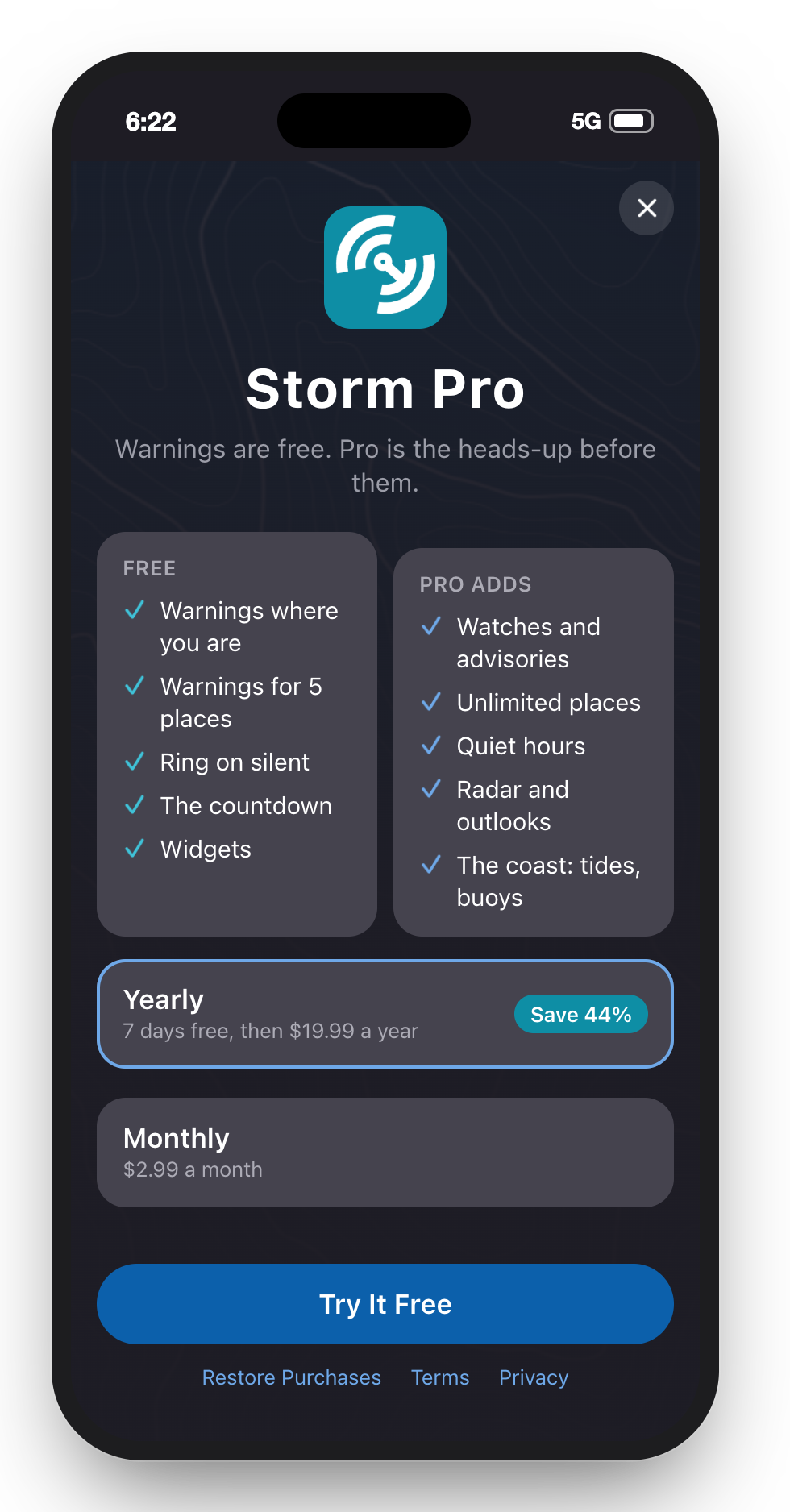
Storm Pro
MarNav’s paywall on its topo background, free side first. Nothing that tells you to take cover is behind it.
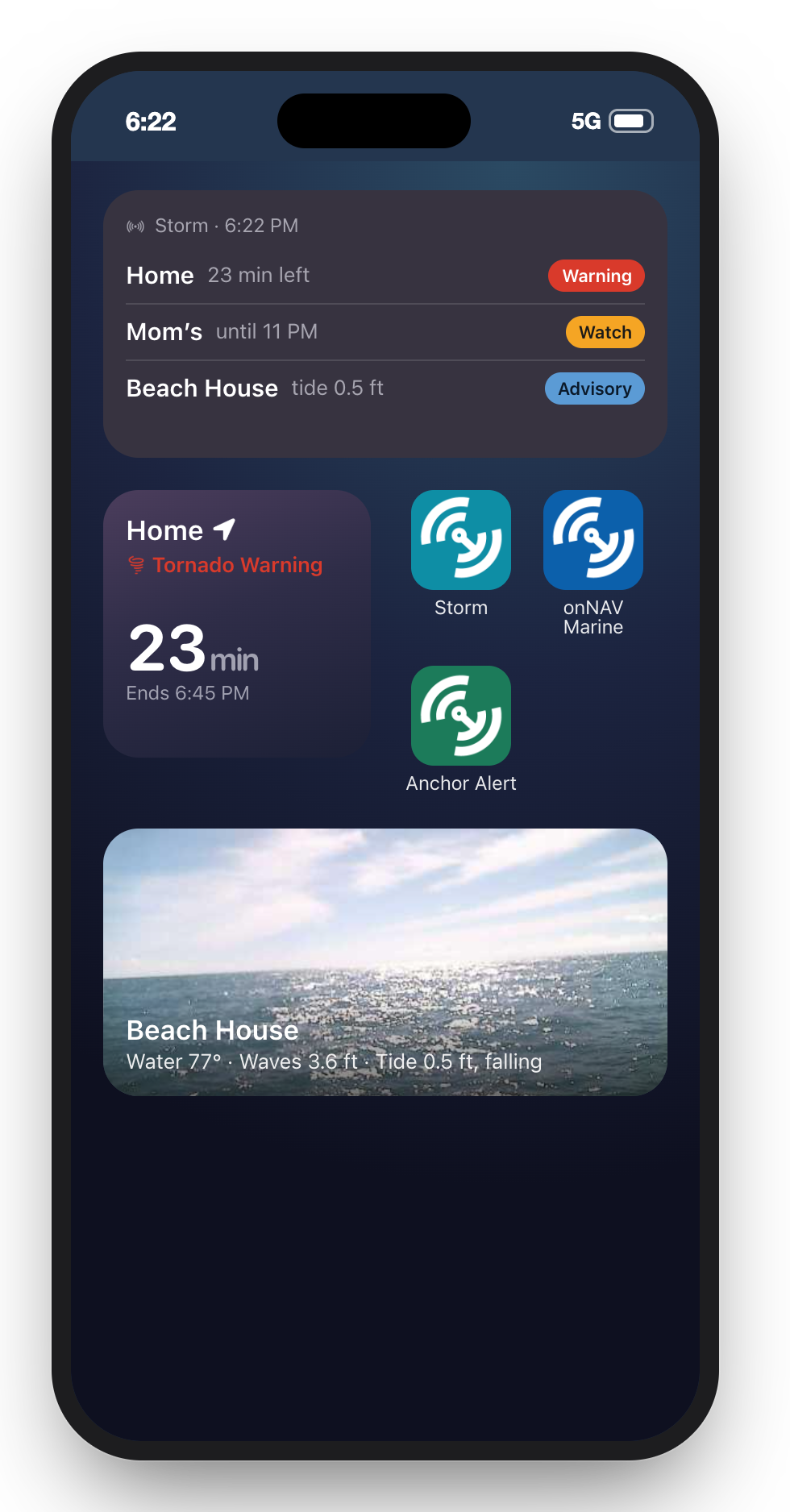
Widgets
The place that matters most, counting down, and a buoy cam on the Home Screen. Storm beside the rest of the family.
onNAV Storm • A pitch for onNAV, October 2026